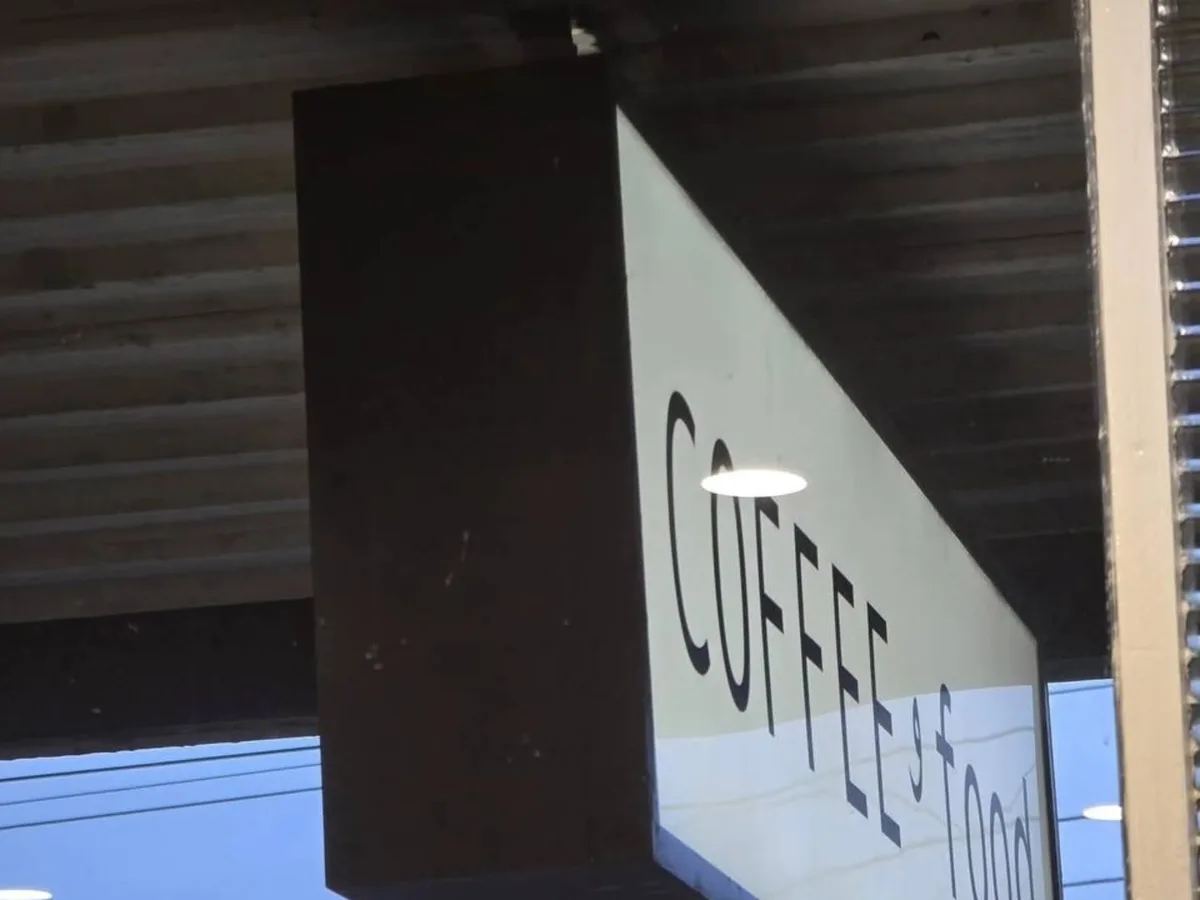
 Restaurant ManagementPOSWebsite+ 1Read the case study 2026 phatMILKA Travancore café where Aussie freshness meets Middle Eastern flavour
Point of Sale · Melbourne
POS systems for Melbourne shops and cafés
A counter checkout that shares stock, prices and customers with your online store, so a sale in one place updates everywhere.
Talk to us01 Overview
Who it's for
A point of sale is more than a till. It decides how fast the queue moves, whether stock numbers stay right and whether the person at the counter can see a customer's online order. When the POS and the website run on separate data, someone ends up reconciling them every night.
We set up POS systems that run on the same product catalogue and stock as your online channels. Staff ring up sales on a tablet or terminal, take card payments, print receipts and handle returns. Managers get daily takings and stock reports without exporting anything.
We set up counters for shops and venues around Melbourne and across Victoria, and support retailers elsewhere in Australia. Our team is based in Coolaroo, in Melbourne's north.
Cafés and restaurants
Fast ordering at the counter or table, modifiers and notes on items, and orders sent through to the kitchen.
Independent shops
One or two counters that need to stay in step with an online store.
Multi-store retailers
Several locations sharing one catalogue, with stock transfers and pricing controlled from head office.
Shops with click and collect
Customers who order online and collect in store, where staff need to see and fulfil those orders at the counter.
Pop-ups and markets
A portable setup that works away from your usual counter and syncs when it reconnects.
02 Problems we solve
Problems we solve
- 01
Online and in-store stock disagree
The website sells the last item that was sold at the counter an hour ago. Shared stock stops that.
- 02
End-of-day counting by hand
Takings, refunds and cash counted on paper. We give you a close-of-day report by staff member and payment type.
- 03
Prices set in two places
Changing a price means editing the till and the website. With one catalogue you change it once.
- 04
Slow, confusing checkout
Too many screens for a simple sale. We design the counter screen around your top items and staff habits.
03 What we build
What we build
We set up the POS, the hardware and the connections around it as one job.
Counter checkout
Quick sale screens, barcode scanning, discounts, split payments, refunds and exchanges.
Hardware kits
Card terminals, receipt printers, cash drawers and barcode scanners, configured and tested before they reach your counter.
Shared catalogue and stock
One product list and stock count for the counter and your online store, updated as each sale happens.
Staff accounts and permissions
Each staff member logs in, so sales, voids and refunds are recorded against a name, with manager approval where needed.
Daily and store reports
Takings, top sellers, stock on hand and comparisons between locations, ready when you close up.
Kitchen and order tickets
For hospitality, orders sent to a kitchen printer or screen with notes and modifiers attached.
04 Tools we use
Tools we use
We pick the setup that suits your counter, then connect it to your online channels and accounts.
- Laravel
- React
- Node.js
- Stripe
- Shopify
- WordPress
- Card terminals
- Receipt printers
- Barcode scanners
05 How it works
How a POS rollout runs
- 01
Watch the counter
We spend time at your counter or talk through a typical busy hour, list the items, payment types and reports you need, and confirm the hardware for each station.
- 02
Set up and connect
We load your catalogue, connect the POS to your online store and accounts, and configure every terminal and printer in our office first.
- 03
Go live on a quiet day
We install on site, train staff on real sales, and stay close through the first trading days so questions get answered quickly.
- 04
Keep it running
We handle updates, add new products or stores, and help with hardware swaps when a device fails.
Timeframe
A single-store POS connected to an existing online store usually takes 4 to 8 weeks. Multi-store setups, custom features or hospitality workflows typically take 8 to 12 weeks, depending on scope and hardware lead times.
Pricing
POS projects are scoped and quoted after a free call. Cost depends on the number of counters and stores, the hardware you need, whether we connect to an existing online store or build one, and any custom features such as kitchen tickets or loyalty.
Related work
Projects where we built this.
Restaurant ManagementPOSWebsite+ 1Read the case study 2026 phatMILKA Travancore café where Aussie freshness meets Middle Eastern flavour CRMWebsiteSEO+ 1Read the case study 2018 Islamic Museum of AustraliaA Melbourne museum sharing the Australian Muslim experience
FAQ
Point of Sale: common questions.
Question 01Why not just use an off-the-shelf POS like Square?
Off-the-shelf POS apps suit many small shops. We are a better fit when you need the counter tightly linked to a custom online store, ERP or reporting, or when your workflow doesn't fit a standard app.
Question 02Does the POS keep working if the internet drops?
We set up the counter so sales can continue during short outages where the setup allows, then sync once the connection returns. We discuss the options for your hardware during scoping.
Question 03Can we keep our existing hardware?
Often, yes. We check your current terminals, printers and scanners for compatibility before recommending anything new.
Question 04Can customers buy online and pick up in store?
Yes. Online orders can appear at the counter for pickup, with stock reserved as soon as the order is placed.
Question 05How do sales get into our accounts?
Daily totals or individual sales are passed to your accounting system, so your bookkeeper doesn't need to re-enter takings.
Question 06Can we run loyalty points or gift cards?
Yes. We can add loyalty points and gift cards that work at the counter and online, so a customer's balance is the same wherever they spend it.
Question 07Do you train our staff?
Yes. We train staff on the counter during setup, and the screens are designed so new starters can learn quickly.
Related services
Often built together.
- Online StoresOnline stores that are easy to shop, simple to run and connected to your stock, payments and shipping, from a first Shopify shop to a large custom catalogue.Learn more
- ERP SystemsStock, purchasing, finance and reporting working from the same numbers, so nobody re-types an order and every branch sees the same picture.Learn more
- Booking SystemsCustomers pick a time, pay a deposit and get a reminder. Your team works from one calendar instead of a phone, an inbox and a diary.Learn more
Serving Melbourne, Victoria and clients Australia-wide