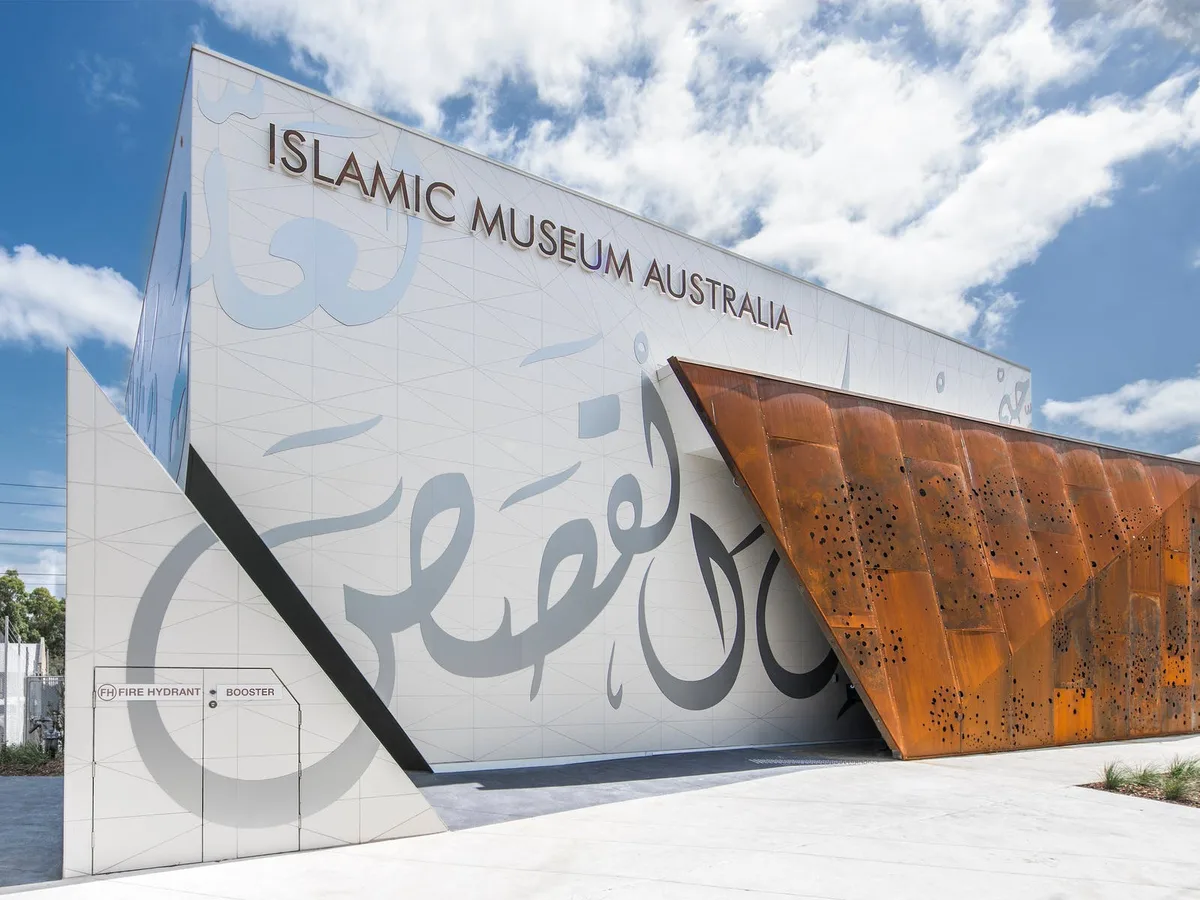
 CRMWebsiteSEO+ 1Read the case study 2018 Islamic Museum of AustraliaA Melbourne museum sharing the Australian Muslim experience
CRM Platforms · Melbourne
Custom CRM development in Melbourne
One place for every lead, customer and conversation, filled automatically from your website and inbox, so follow-ups happen on time and nothing gets lost.
Talk to us01 Overview
Who it suits
When enquiries live in an inbox, a notebook and someone's phone, follow-ups slip and nobody can see the full picture. A CRM gives your team one shared record for every contact, with the history, next step and owner right there.
We build custom CRMs shaped around how you sell and serve customers, and handle CRM integration so leads arrive from your website forms, email and WhatsApp without anyone typing them in. Pipelines, reminders and reports match your stages and terms, not a generic sales template. Each person sees the work that is theirs, and managers see the whole pipeline.
SKALE builds CRMs for teams across Melbourne and Victoria, and for clients Australia-wide. We are a small senior team in Coolaroo, so the people who plan your CRM are the people who build it.
Sales teams
Teams tracking deals in spreadsheets who need a clear pipeline and reminders.
Service businesses
Trades, contractors and consultants juggling enquiries, quotes and site visits.
Membership and not-for-profit organisations
Groups managing members, supporters, volunteers or visitors across programs and events.
Businesses outgrowing a generic CRM
Teams paying for features they do not use while missing the ones they need.
02 Problems we solve
What it fixes
- 01
Leads going cold
Enquiries sitting unanswered because no one was clearly responsible.
- 02
Scattered history
Emails, calls and notes spread across personal inboxes and phones.
- 03
Manual data entry
Website enquiries retyped into a spreadsheet before anyone can act on them.
- 04
No pipeline view
Owners guessing what is coming in next month instead of seeing it.
03 What we build
What we build
Each CRM is built for your stages, roles and channels. Examples:
Sales pipelines
Deals moved through your own stages, with values, owners and next actions visible at a glance.
Website lead capture
Enquiry, quote and booking forms that create contacts and assign them to the right person instantly.
Email and calendar integration
Emails and meetings logged against the contact, so the whole team sees the history.
WhatsApp conversations
Customer messages linked to their CRM record, so chats are not stuck on one phone.
Follow-up reminders
Tasks and nudges when a lead has not been contacted, a quote has not been answered or a renewal is due.
Reports and forecasting
Simple reports on lead sources, conversion and upcoming work, built on the data your team enters.
04 Tools we use
Tools we use
We build CRMs on proven frameworks and connect them to the channels your customers use.
- Laravel
- React
- Next.js
- Node.js
- Google Analytics
- REST APIs and webhooks
- OpenAI API
- AWS
05 How it works
How a CRM project runs
- 01
Map your pipeline
We follow a lead from first contact to paying customer, and define your stages, fields, roles and channels.
- 02
Build and connect
We build the CRM screens and connect your website forms, email, calendar and WhatsApp so data flows in automatically.
- 03
Import and onboard
We clean and import your existing contacts and deals, then train your team on daily use before go-live.
- 04
Refine as you grow
After launch we adjust stages, reports and automations based on how your team actually uses it.
Timeframe
A focused CRM with a sales pipeline, website lead capture and email integration usually takes 6 to 10 weeks. Adding WhatsApp, quoting, member management or links to your accounting system or ERP typically takes it to 10 to 16 weeks, depending on scope.
Pricing
CRM development is scoped and quoted after a free call. Cost depends on the number of pipelines and user roles, how many channels feed into it, integrations with your website, accounting system or ERP, and how much existing data needs cleaning and importing. Because it is built for you, the quote is based on the work, not on how many staff will log in.
Related work
Projects where we built this.
CRMWebsiteSEO+ 1Read the case study 2018 Islamic Museum of AustraliaA Melbourne museum sharing the Australian Muslim experience CRMWebsiteSEORead the case study 2026 One Stop Traffic ControlA Victorian traffic management team keeping every site safe and moving
FAQ
CRM Platforms: common questions.
Question 01Why build a custom CRM instead of using HubSpot or Salesforce?
Those products suit many businesses. A custom CRM makes sense when your process does not fit their templates, you need deep links to your own tools, or per-user fees are adding up.
Question 02Can our website enquiries go straight into the CRM?
Yes. We connect your website forms so every enquiry creates a contact and is assigned to the right person straight away.
Question 03Can you bring across our existing contacts?
Yes. We clean up duplicates and import contacts, deals and notes from spreadsheets or your current CRM before launch.
Question 04Does it work with email and WhatsApp?
Yes. Emails, meetings and WhatsApp conversations can be linked to each contact so the full history is in one place.
Question 05Can the CRM connect to our accounting system?
In most cases, yes. We connect through its API so customers, quotes and invoices stay in step without double entry.
Question 06Can we change pipeline stages later?
Yes. Stages, fields and reports can be adjusted as your process changes, and we build admin screens for the common changes.
Question 07How long does it take a team to get used to a new CRM?
Most teams settle in quickly when the screens match how they already work. We train people on their daily tasks and stay on hand for questions after go-live.
Question 08Can AI help inside the CRM?
Yes. We can add features like summaries of a contact's history or drafted follow-up emails, with staff checking before anything is sent.
Related services
Often built together.
- AI AutomationWorkflows that read documents, make routine decisions and push the result into the tools your team already uses, so people spend their day on work that needs a person.Learn more
- ERP SystemsStock, purchasing, finance and reporting working from the same numbers, so nobody re-types an order and every branch sees the same picture.Learn more
- Customer PortalsGive customers a secure login to check orders, download invoices and raise requests themselves, on your domain and with your branding.Learn more
Serving Melbourne, Victoria and clients Australia-wide